

Copy as Image
In the schematic, symbol, PCB, and footprint editors, copy the selected primitives as an SVG or PNG image to the system clipboard, so that you can paste them into Word or other documents for sharing or records.
Feature Entry
- Schematic / Symbol Editor: Copy menu - Copy as Image
- PCB / Footprint Editor: Copy Special menu - Copy as Image
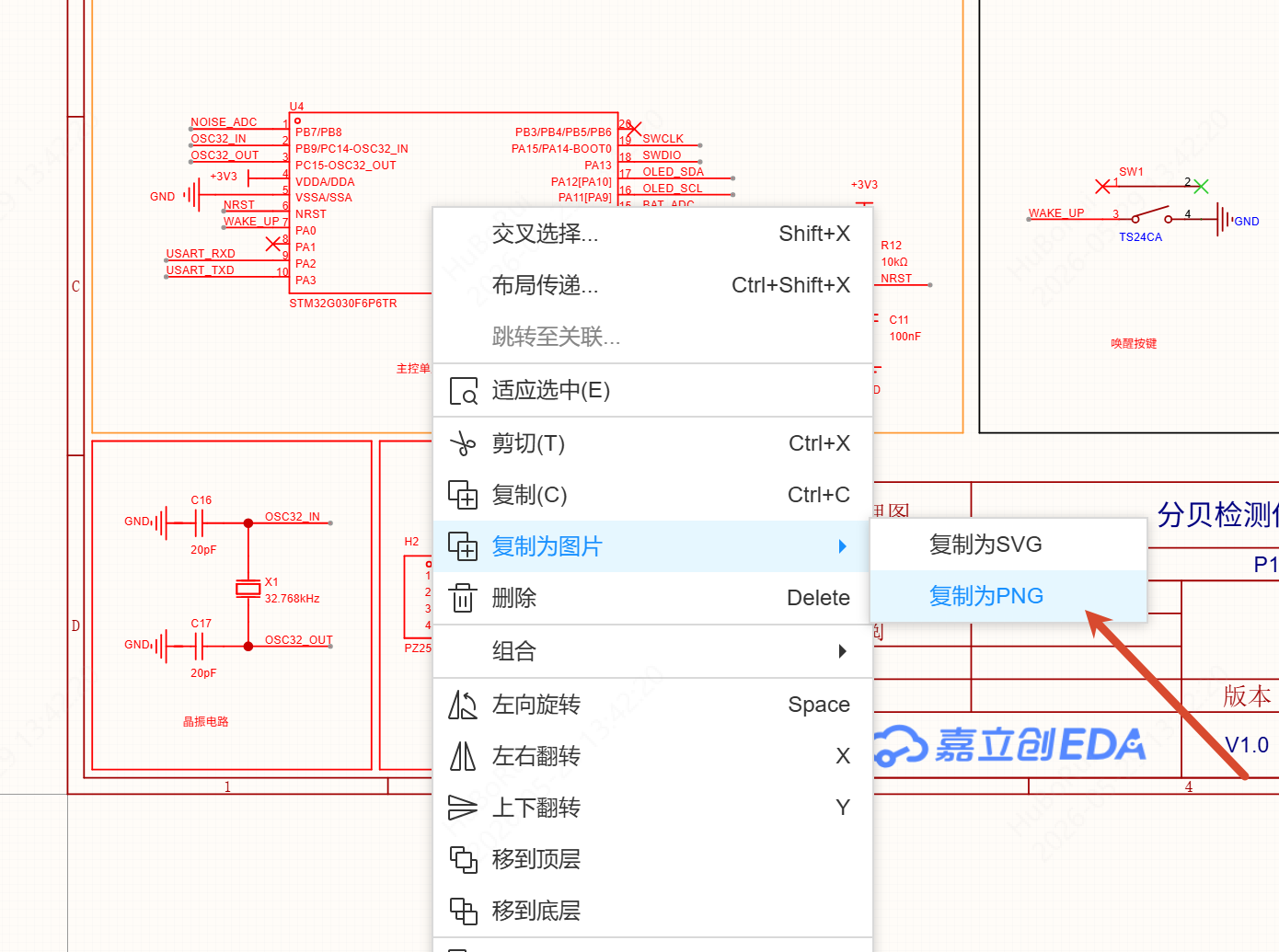
- Right-click menu: with primitives selected, Copy - Copy as Image
Steps
- Box-select or click the primitives you want to copy in the editor
- Enter Copy as Image from the top menu or the right-click menu, and choose a sub-menu item:
- Copy as SVG
- Copy as PNG
- The image is written to the system clipboard; paste it into Word or another document
The image contains only the selected content and no background.