Order Parts
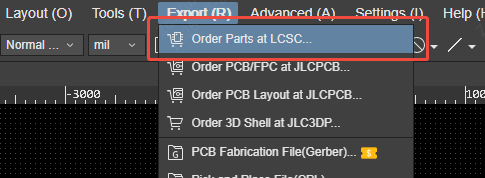
In the PCB editor, select Export > Order Parts at LCSC....
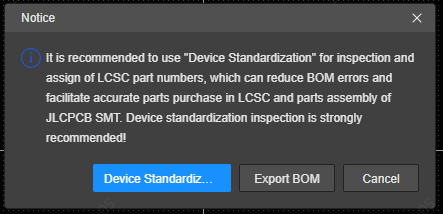
The Notice dialog recommends running Device Standardization before exporting the BOM. Device Standardization checks the components and assigns LCSC part numbers, which helps reduce BOM errors and improves the accuracy of parts purchasing and JLCPCB SMT assembly.
Choose an action in the dialog:
- Click Device Standardization to inspect and standardize the components before ordering. After standardization, run Order Parts at LCSC... again.
- Click Export BOM to skip standardization and export the current PCB components directly. The BOM will be uploaded to LCSC for parts selection and ordering.
- Click Cancel to close the dialog without exporting.
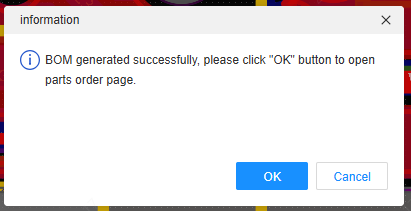
After you click Export BOM, a confirmation dialog appears when the BOM has been generated successfully. Click OK to open the LCSC parts ordering page, or click Cancel to stay in the editor.