Fill Region Endpoint Snap
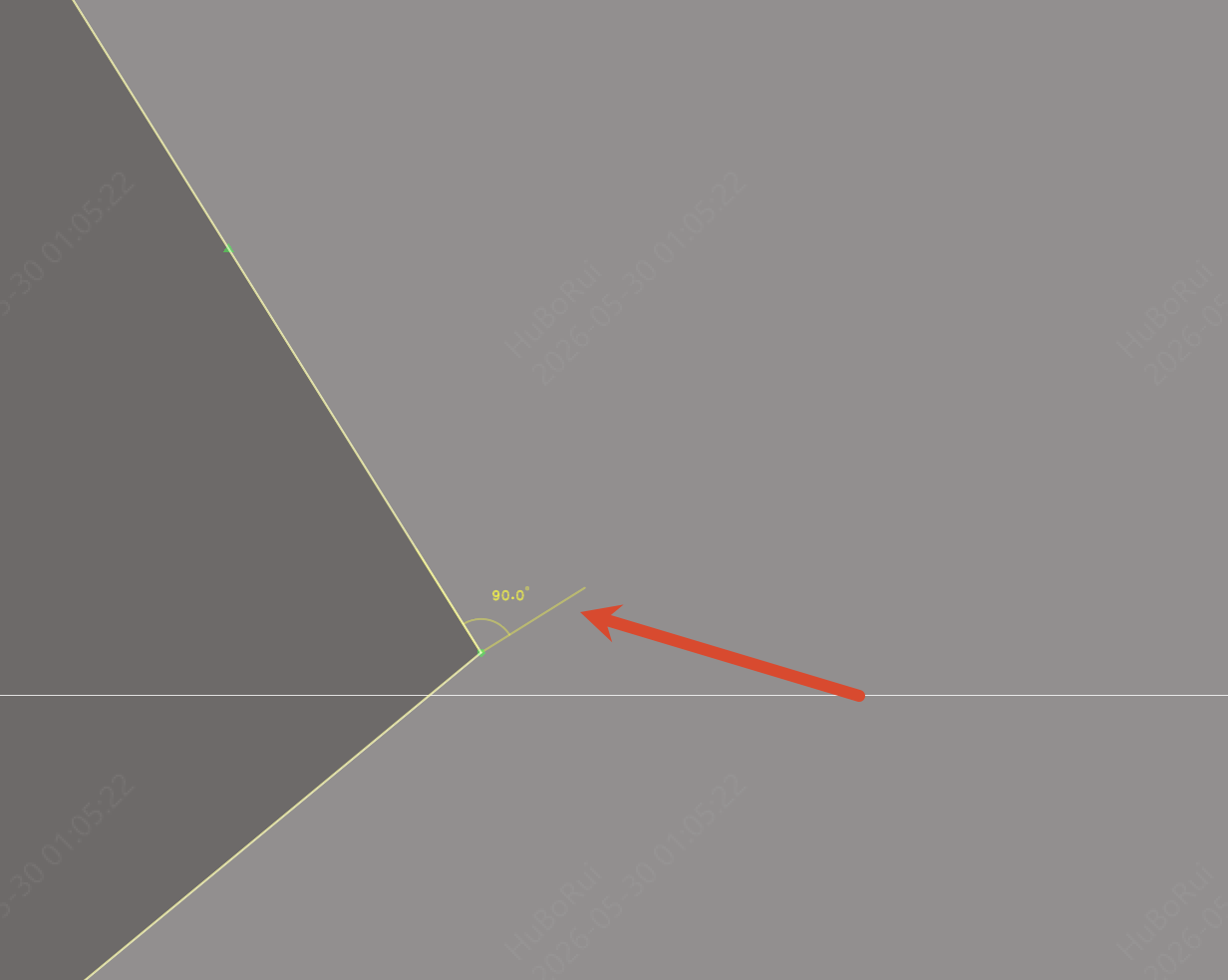
When you drag a control point of a non-electrical fill region, it snaps automatically onto the extension line that is parallel, perpendicular or at 45° to the adjacent segment, ensuring the segment angle is exact.
Entry
Select a fill region and drag a segment endpoint
Steps
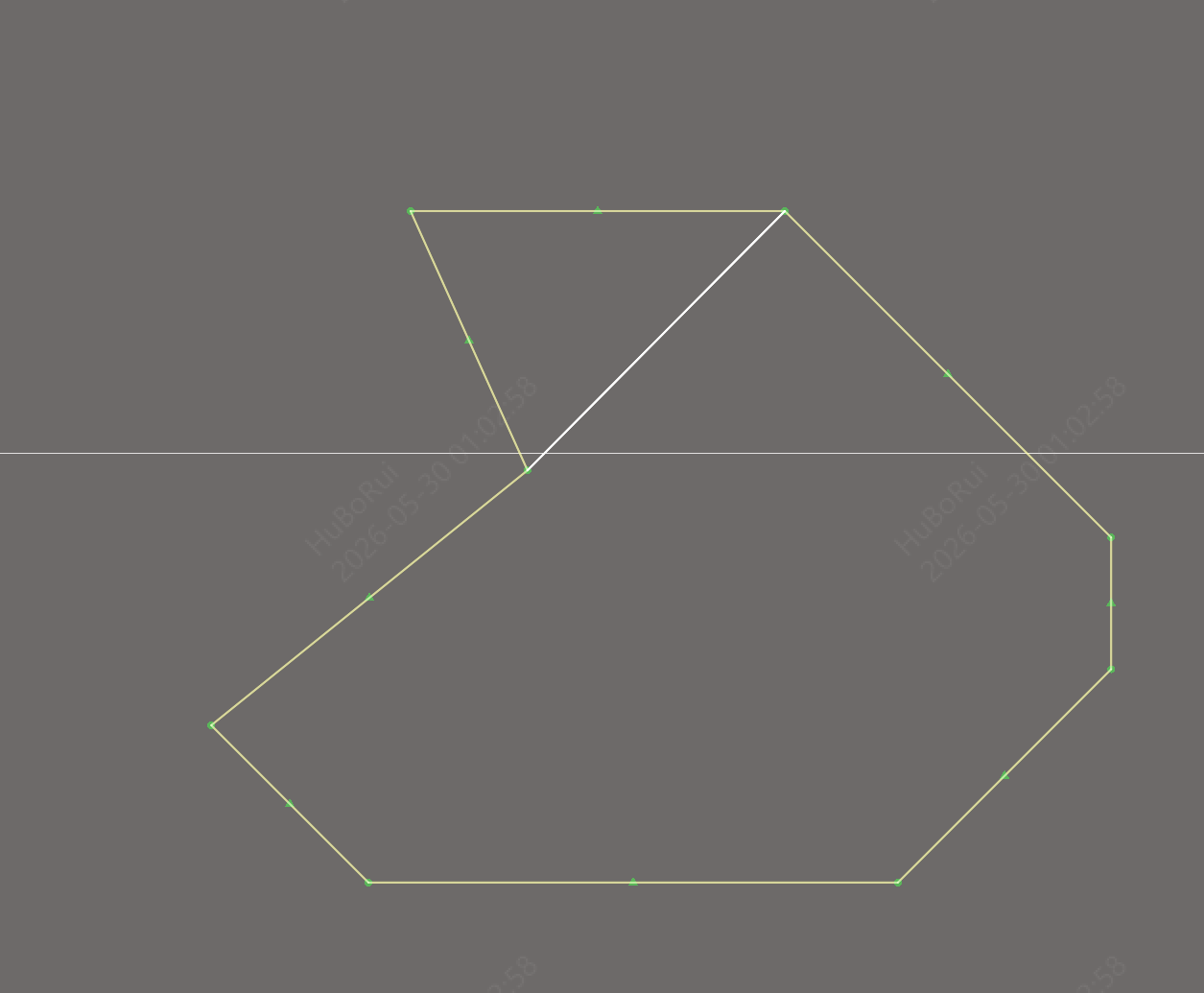
- Draw a polygon fill region on the silk layer
- Select the fill region and drag a segment endpoint
- When it is dragged near a position that is parallel, perpendicular or at 45° to the adjacent segment, it snaps into place automatically
- Place an angle dimension to verify the exact angle after snapping