Place SVG
EasyEDA Pro supports importing SVG as a path for editing. If you need to import SVG as a picture, please select the function of placing pictures.
Currently, only the panel supports importing and editing SVG format; other workspaces only support importing SVG as images.
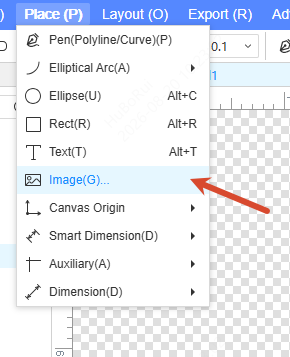
Entry: Panel workspace - Top Menu - Place - Image
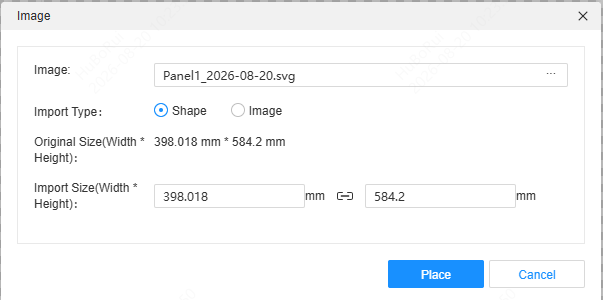
When importing, a pop-up window will prompt you to select the import type:
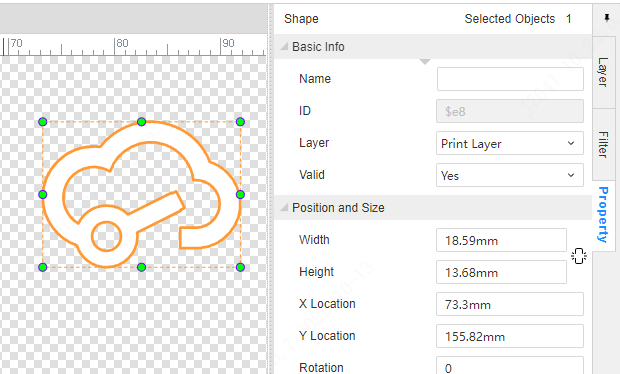
After selecting an imported shape, its shape can be edited directly.